![513a98d6-f274-4016-a0a5-03ee71fe81b7.png]](https://support.tradewing.com/hs-fs/hubfs/513a98d6-f274-4016-a0a5-03ee71fe81b7.png?height=40&name=513a98d6-f274-4016-a0a5-03ee71fe81b7.png)
To navigate the existing promo codes in Promocodes section, you can:
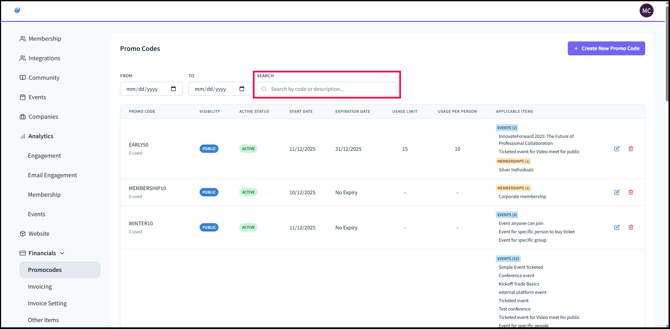
- Search for the code or description in the SEARCH bar.
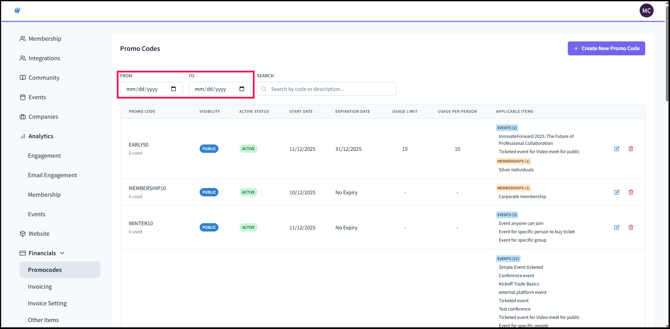
- If you would like to view the promo codes created within a date range, configure the dates in FROM and TO.
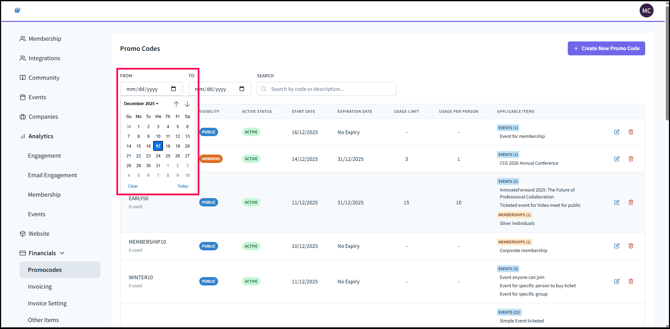
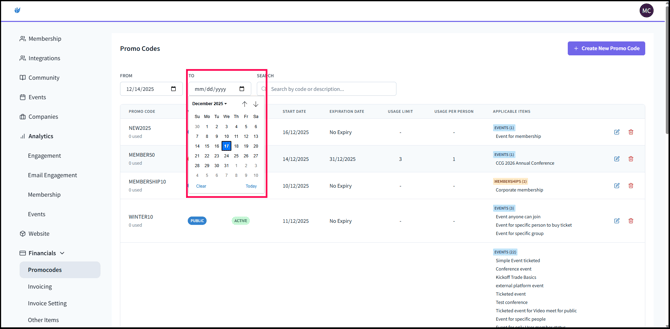
- The Promo Code’s Issue Date and Expiry Date define the date range during which the promo code is valid for use. To appear in search results, the promo code’s Issue and Expiry dates must fall within the selected FROM and TO date range.
