![513a98d6-f274-4016-a0a5-03ee71fe81b7.png]](https://support.tradewing.com/hs-fs/hubfs/513a98d6-f274-4016-a0a5-03ee71fe81b7.png?height=40&name=513a98d6-f274-4016-a0a5-03ee71fe81b7.png)
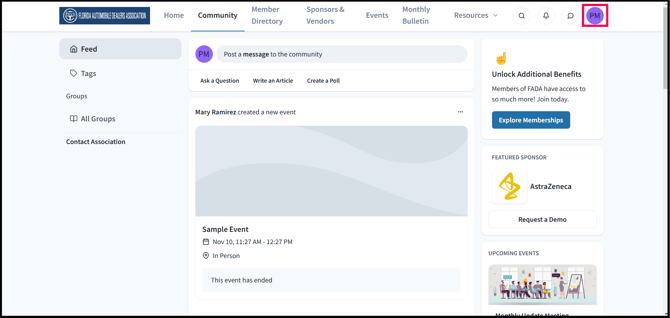
1) Click on your profile icon or initials
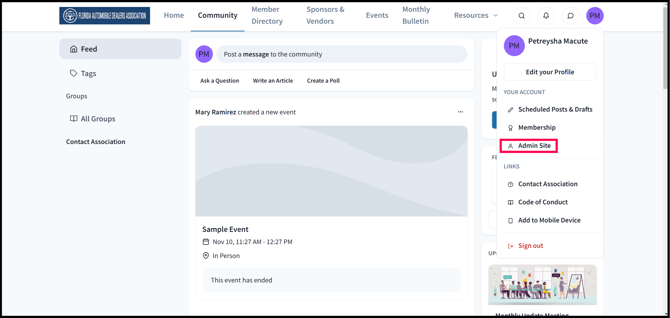
2) Go the Admin Site
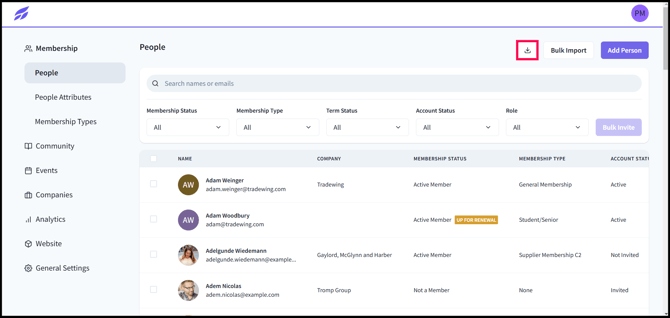
3) In the "Membership" tab, under the "People" section. Click on the download icon.
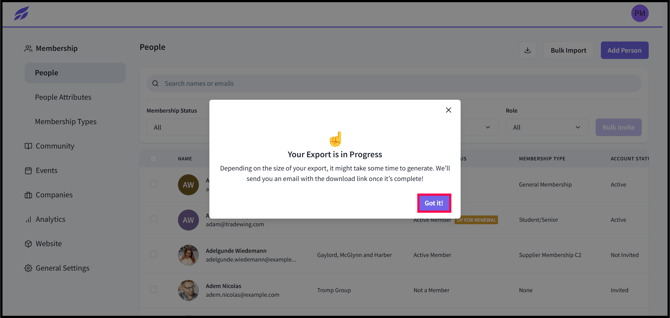
4) A pop up notification should show up indicating that your export is in progress then click on "Got It!". The exported file will then be sent to your email address.
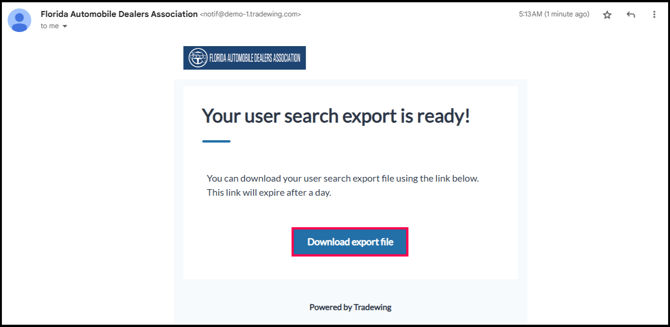
5) Go to your email's inbox, then select the email from your association. Click on "Download Export File" to start downloading your members/users list.
Need Help?
If you have questions or need assistance, please reach out to support@tradewing.com.