![513a98d6-f274-4016-a0a5-03ee71fe81b7.png]](https://support.tradewing.com/hs-fs/hubfs/513a98d6-f274-4016-a0a5-03ee71fe81b7.png?height=40&name=513a98d6-f274-4016-a0a5-03ee71fe81b7.png)
If there is an existing promo code for your desired event, membership, or membership renewal and you would like to use it to get a discounted price, kindly see the step-by-step instructions below.
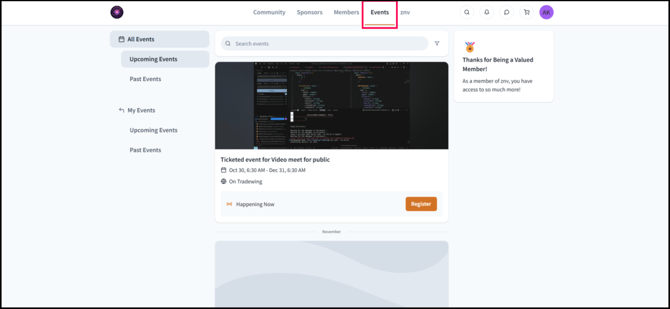
- Visit the Events tab.
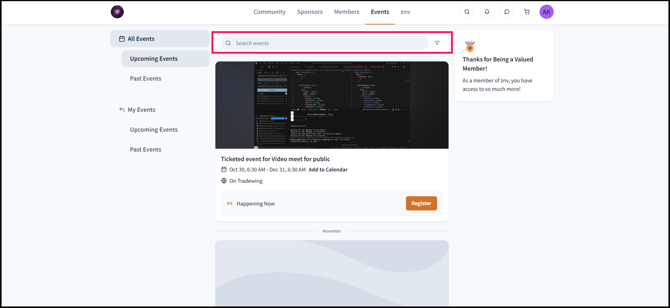
- Navigate to the event by searching the name of the event (for example: CCG 2026 Annual Conference) to which the promo code is applicable to.
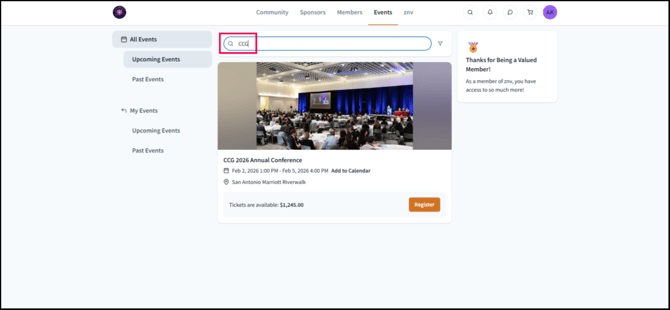
- Click Register.
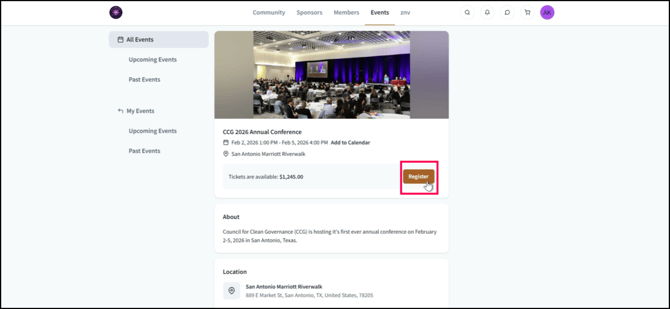
- Add the ticket that you would like to purchase.
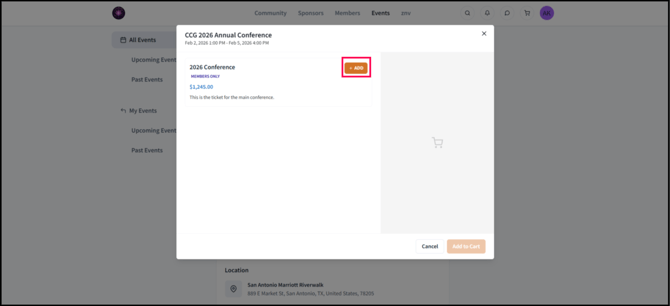
- Click Yes, register me if you are the person whose name will be on the ticket.
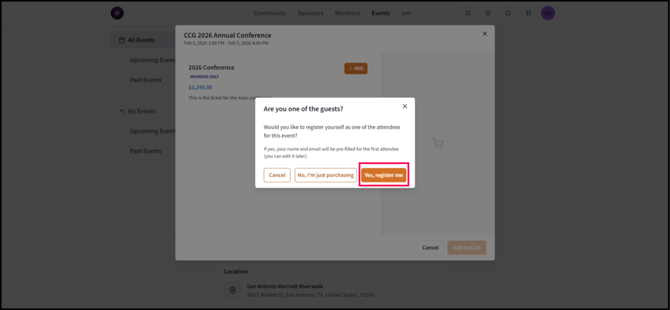
If you are purchasing the ticket for someone else, click No, I’m just purchasing. - Click Add to Cart.
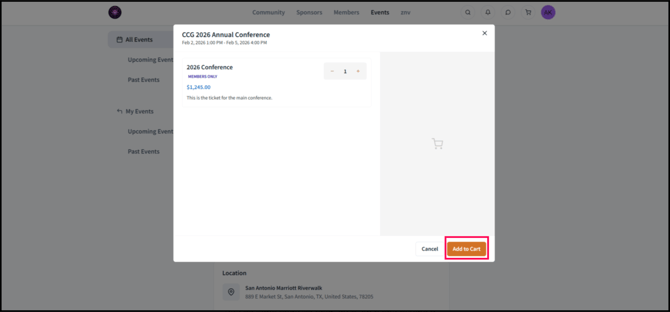
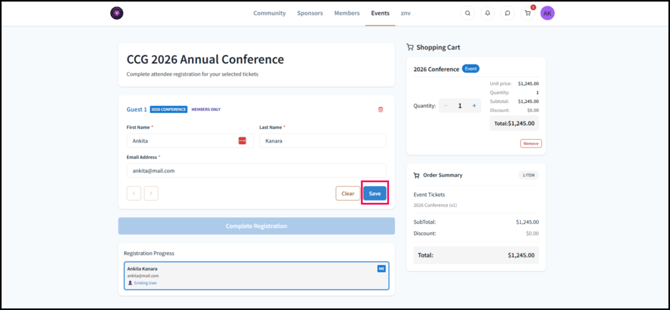
- Check if the First Name, Last Name, and Email Address are correct. If they are, click Save.
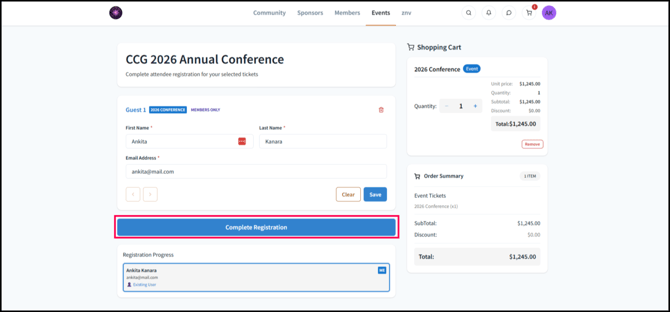
- Click Complete Registration.
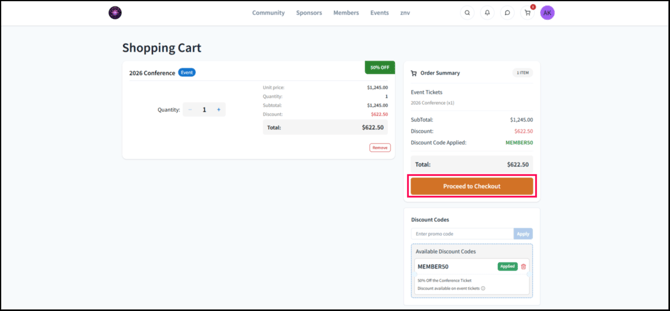
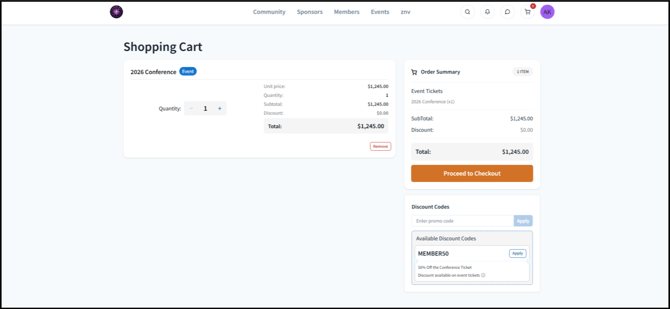
- This will lead you to an overview of the shopping cart containing your ticket.
- A Under Discount Codes, navigate to the Promo Code that you would like to avail (for example: MEMBER50).
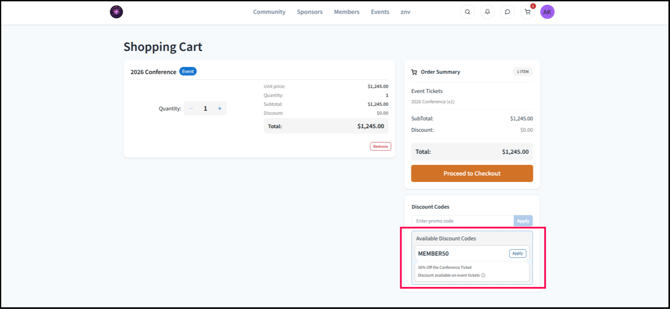
- Click Apply.
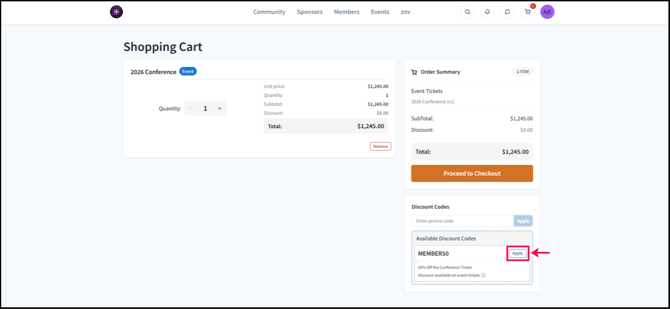
- This will apply the discount to the subtotal.
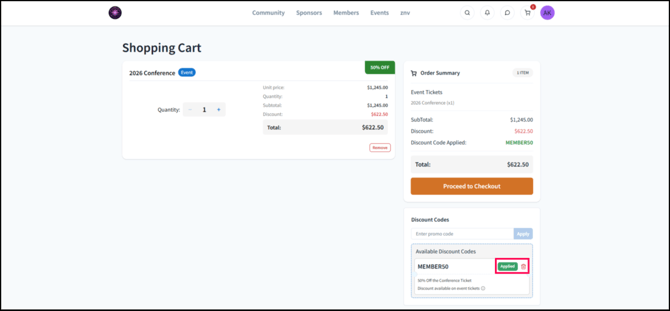
- Click Proceed to Checkout.