![513a98d6-f274-4016-a0a5-03ee71fe81b7.png]](https://support.tradewing.com/hs-fs/hubfs/513a98d6-f274-4016-a0a5-03ee71fe81b7.png?height=40&name=513a98d6-f274-4016-a0a5-03ee71fe81b7.png)
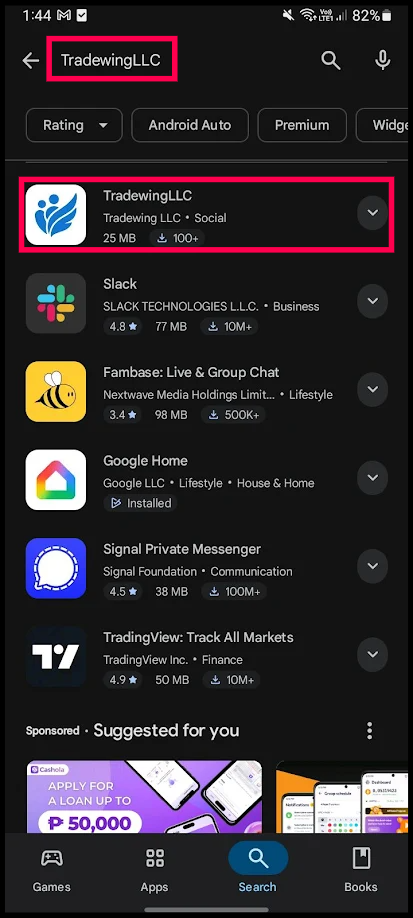
1) Open the Google Play Store and search for "TradewingLLC."
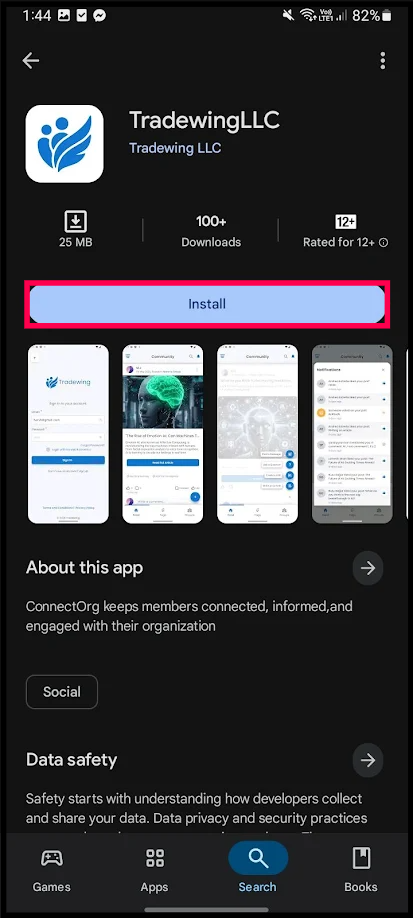
2) Tap "Install."
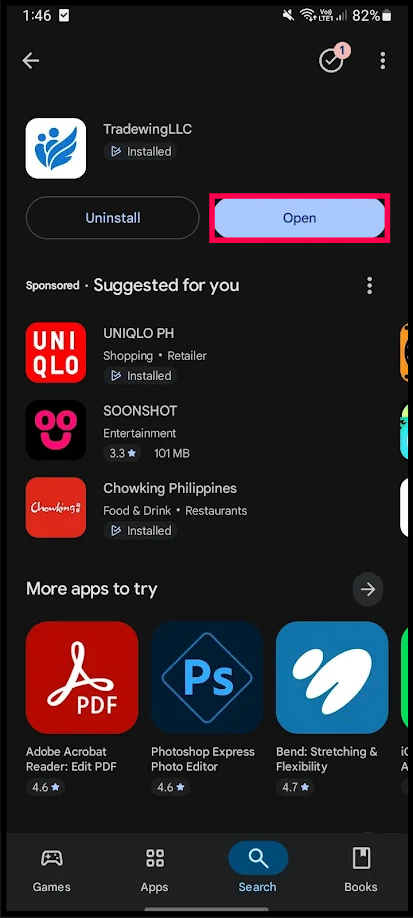
3) Once installed, tap "Open."
4) When prompted, tap "Allow" to receive notifications from the TradewingLLC app. (You can change this setting later.)
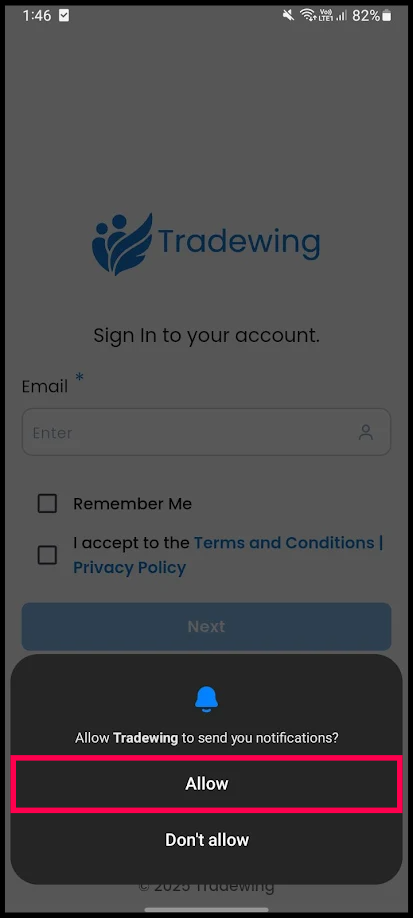
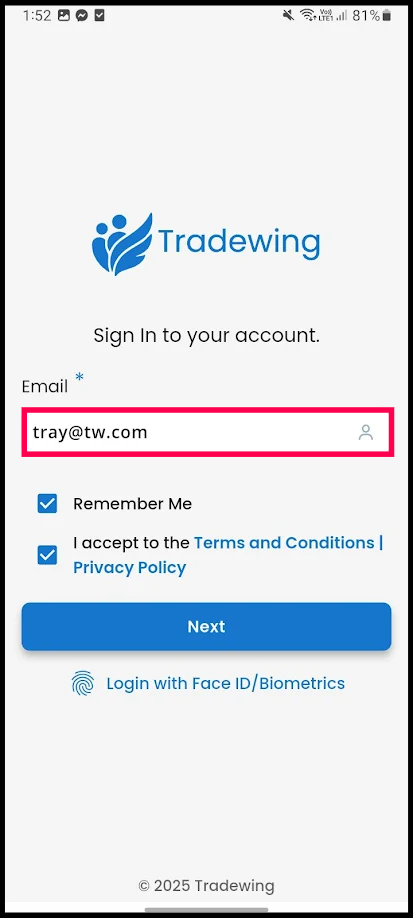
5) Enter your email address to begin logging in.
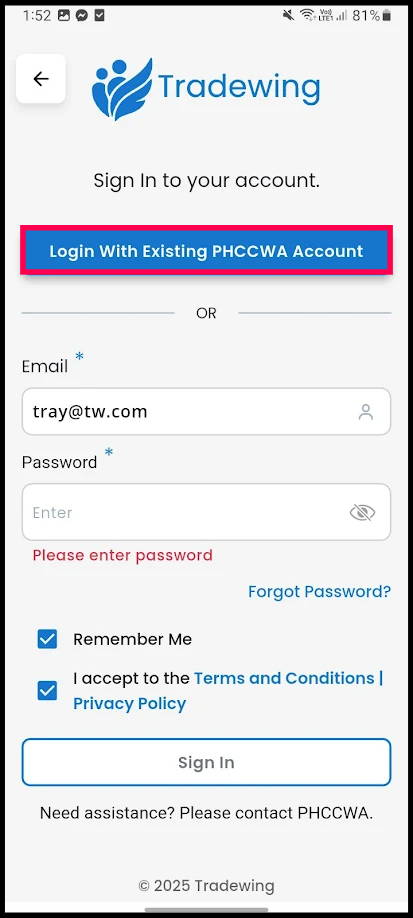
6) To sign in using Single Sign-On (SSO), tap "Login With Existing [Association Name] Account." You'll be redirected your association's portal to enter your credentials.
7) After successfully logging in through your association's portal, you'll be able to access your Tradewing Community in the mobile app.
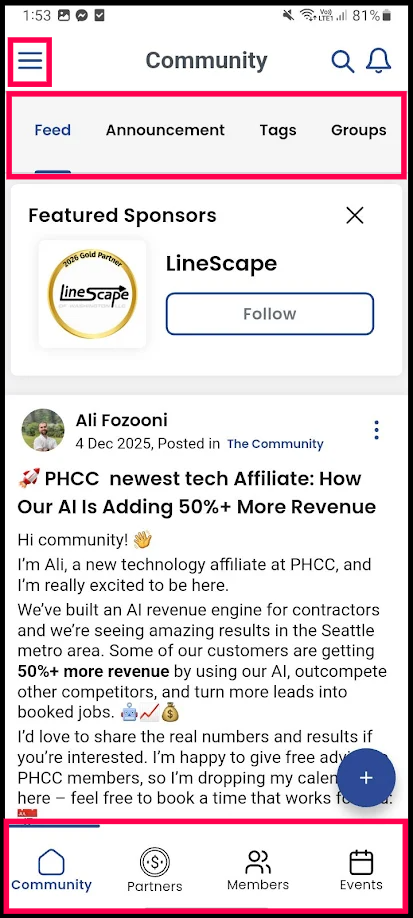
- The Menu icon in the top-left corner opens the navigation drawer, where you can access all modules and settings.
- The tabs at the top of the screen let you switch between your community feed, announcements, tags, and groups.
- The icons at the bottom of the screen allow you to view your community, partners, members, and events.