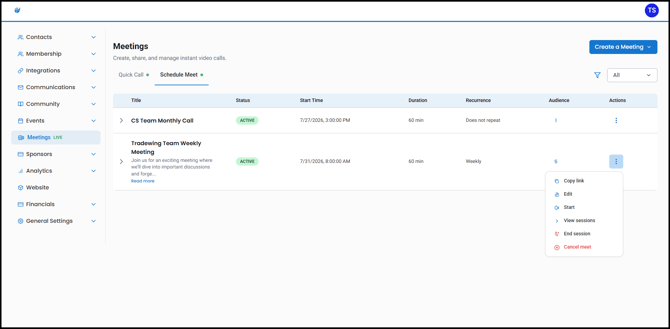
Scheduled Meetings are used for meetings that need to be set up without going through the process of creating an event. You can also create recurring meetings, which are ideal for regular meetings such as weekly team calls, committee meetings, or recurring member sessions.
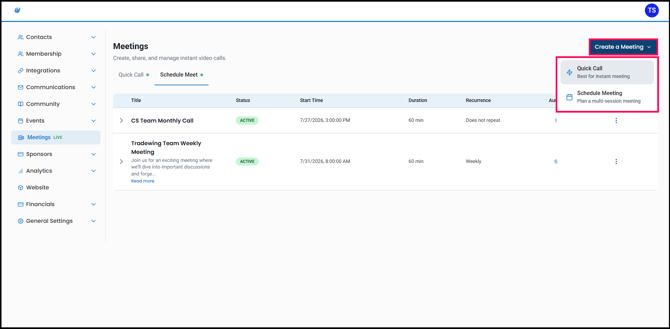
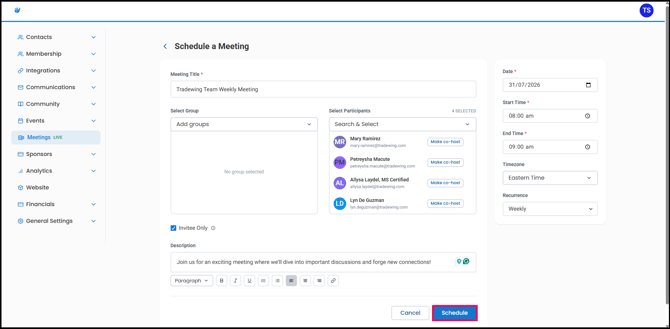
1. From the Admin Site, click the Meetings tab, then click Create a Meeting and select Schedule Meeting.
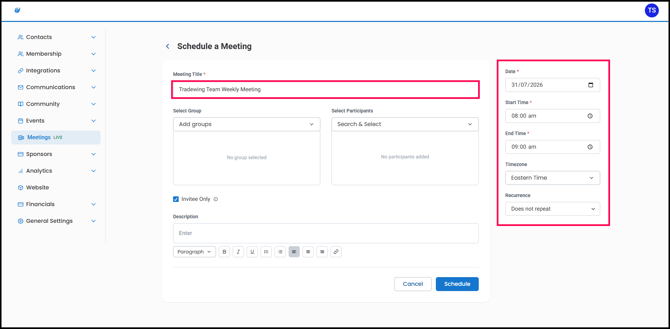
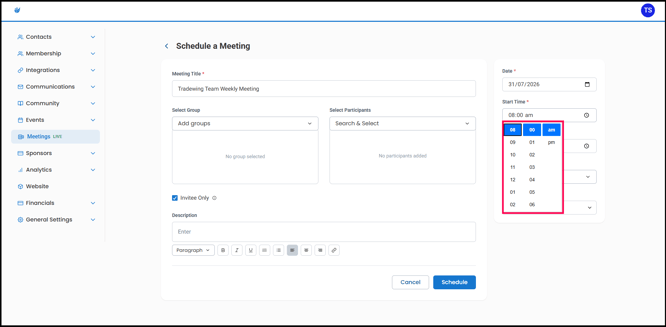
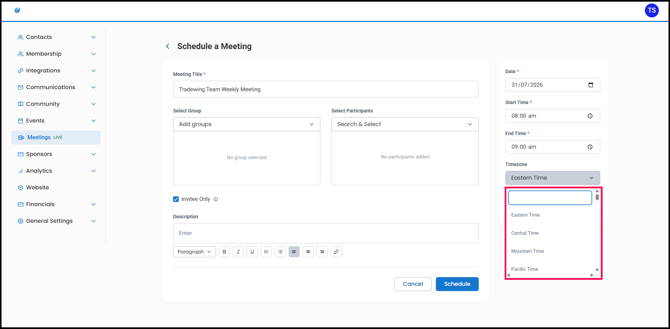
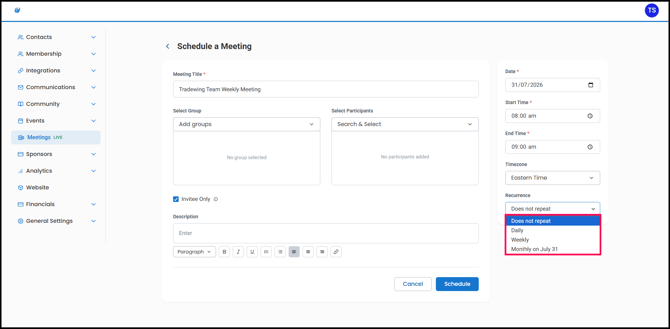
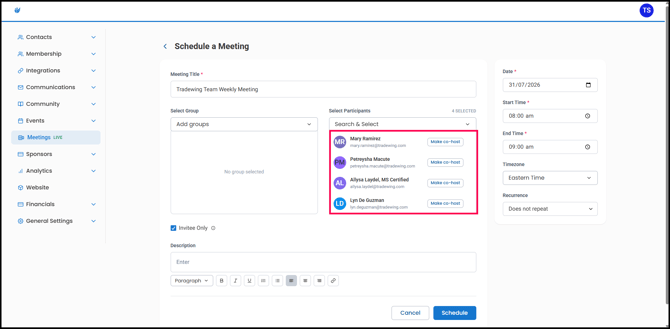
2. Enter the meeting title, date, start and end times, time zone, and recurrence settings.
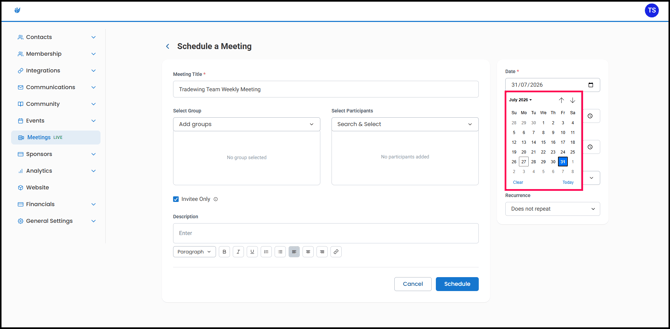
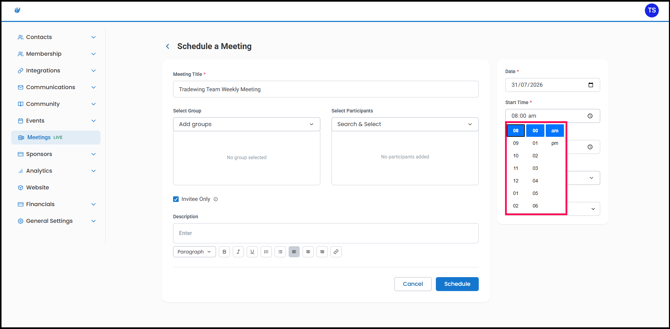
Note: Recurring meetings can be scheduled daily, weekly, or monthly, with monthly meetings set for a specific day of the month.
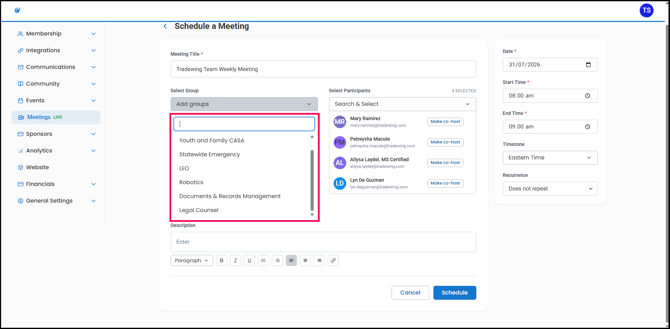
3. Select the participants and groups you want to invite.
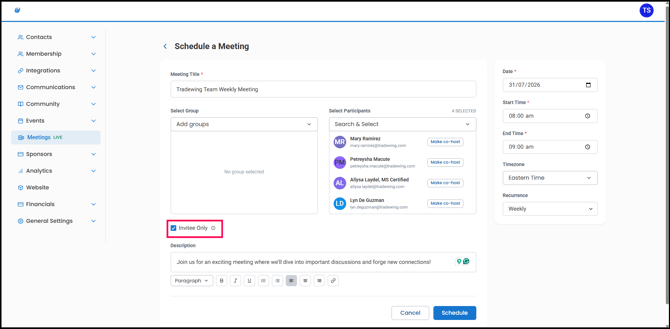
4. Select the Invitee only option to restrict access to invited participants. Leave it unchecked to allow other users to join using the meeting link.
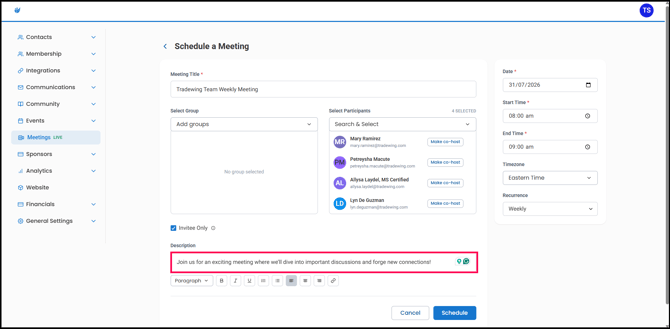
5. Add an optional meeting description to display on the member site.
6. Once all details are finalized, click Schedule.
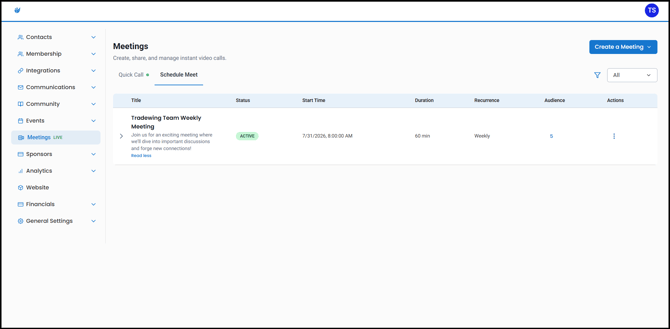
All scheduled meetings you create will appear in the list.
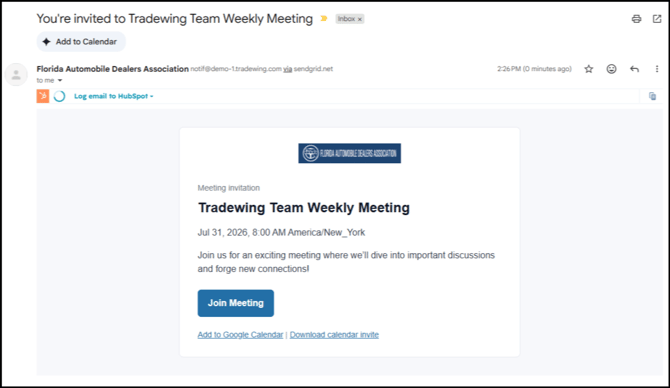
Invited users will receive an email invitation with a direct link to the meeting.
After a session ends, you can view its attendees and recording.